
No Sunday spreadsheet, no “I definitely stayed till close”, no payday arguments. The clock at the door writes the timesheet, and everyone can see it — including your staff.
Print the QR poster once and stick it by the door. Staff scan it to clock in and out — being in the building is the proof. Arrive late and it asks for the reason right there, while it’s fresh, not on payday. Forget to clock out and it notices, asks, and nudges. If they clock themselves out with work left, they confirm what they ticked was really done, and you see that when you approve the shift. Breaks are a tap to start and a scan to come back — the unpaid time comes off every figure automatically.
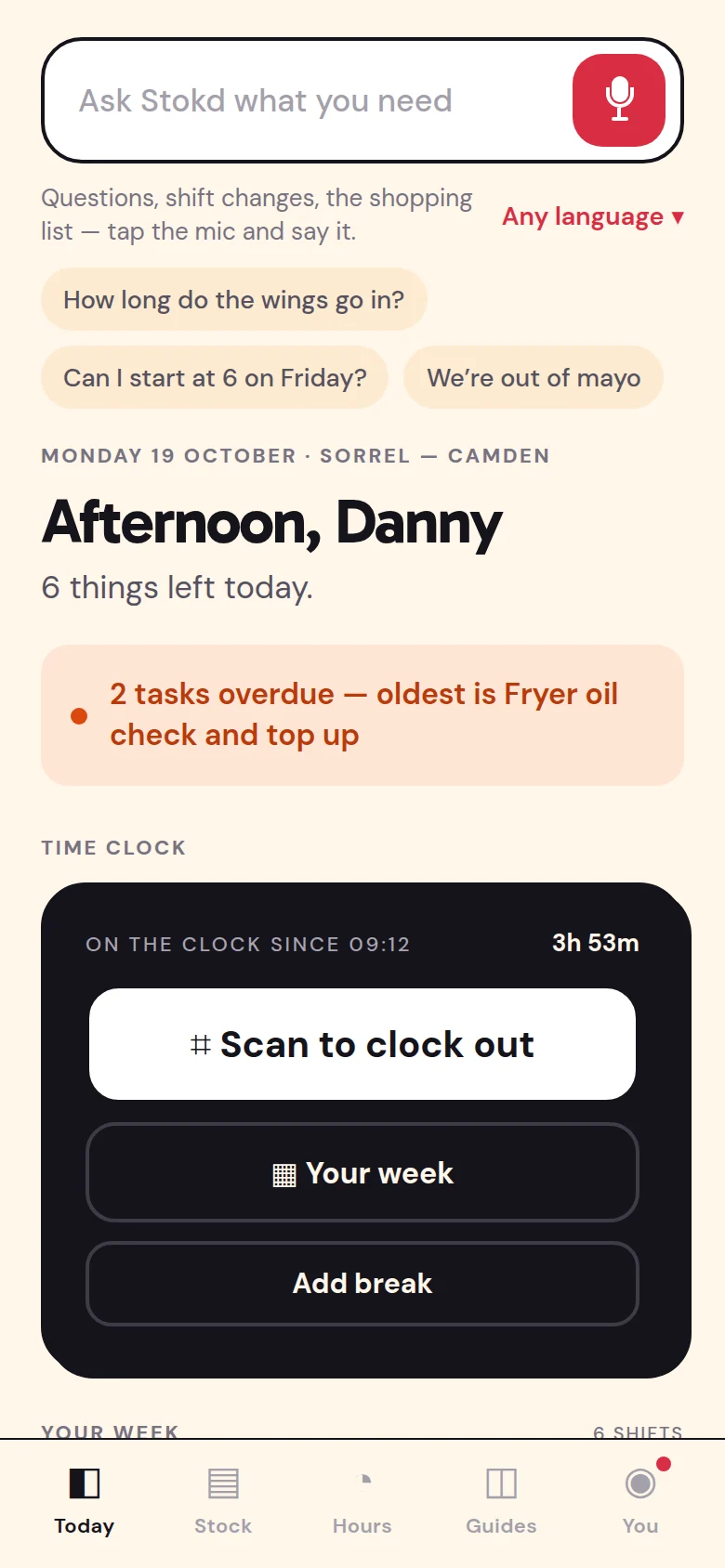
Stokd checks each shift against the rota and approves the ones that match — anything that ran over is left for you to look at. And your crew ask it about their own hours, instead of asking you.
Owner / managerApproving hours
Approve the weekend’s shifts that ran to the rota.
Three of the weekend’s four ran to the rota. Jess’s Saturday ran 38 minutes over, so that one’s left for you.
1 more shift is left for you to look at.
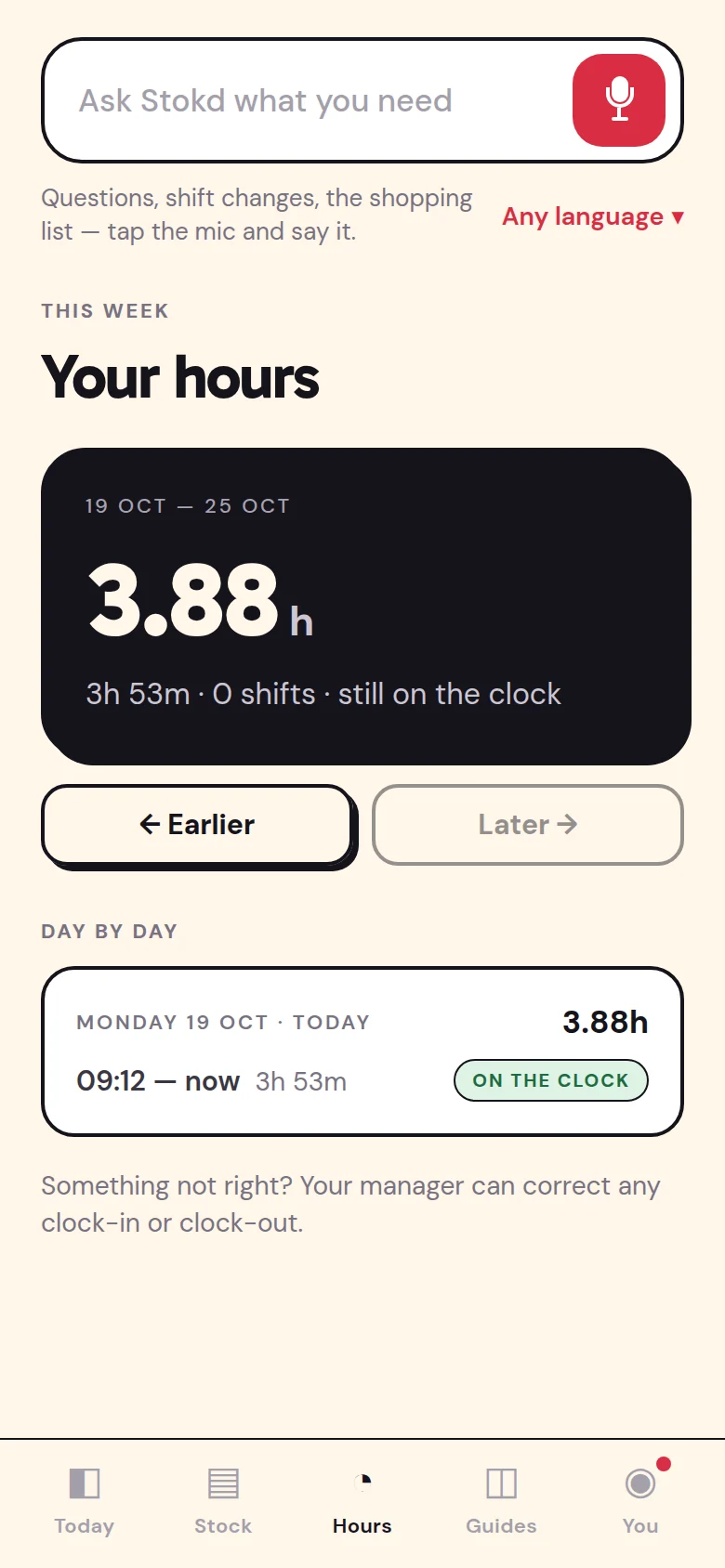
StaffTheir hours
How many hours have I done this week?
31.5 hours over four shifts, Monday to Thursday. Your Friday, 17:00–23:00, is still to come.
Each finished shift is a card: the times, the overtime with its reason attached, breaks already deducted. Approve it as worked, approve it at rota, or nudge it by the half hour — one tap each. Overtime arrives with the “why” already written, because it was asked at the door, not reconstructed a week later.
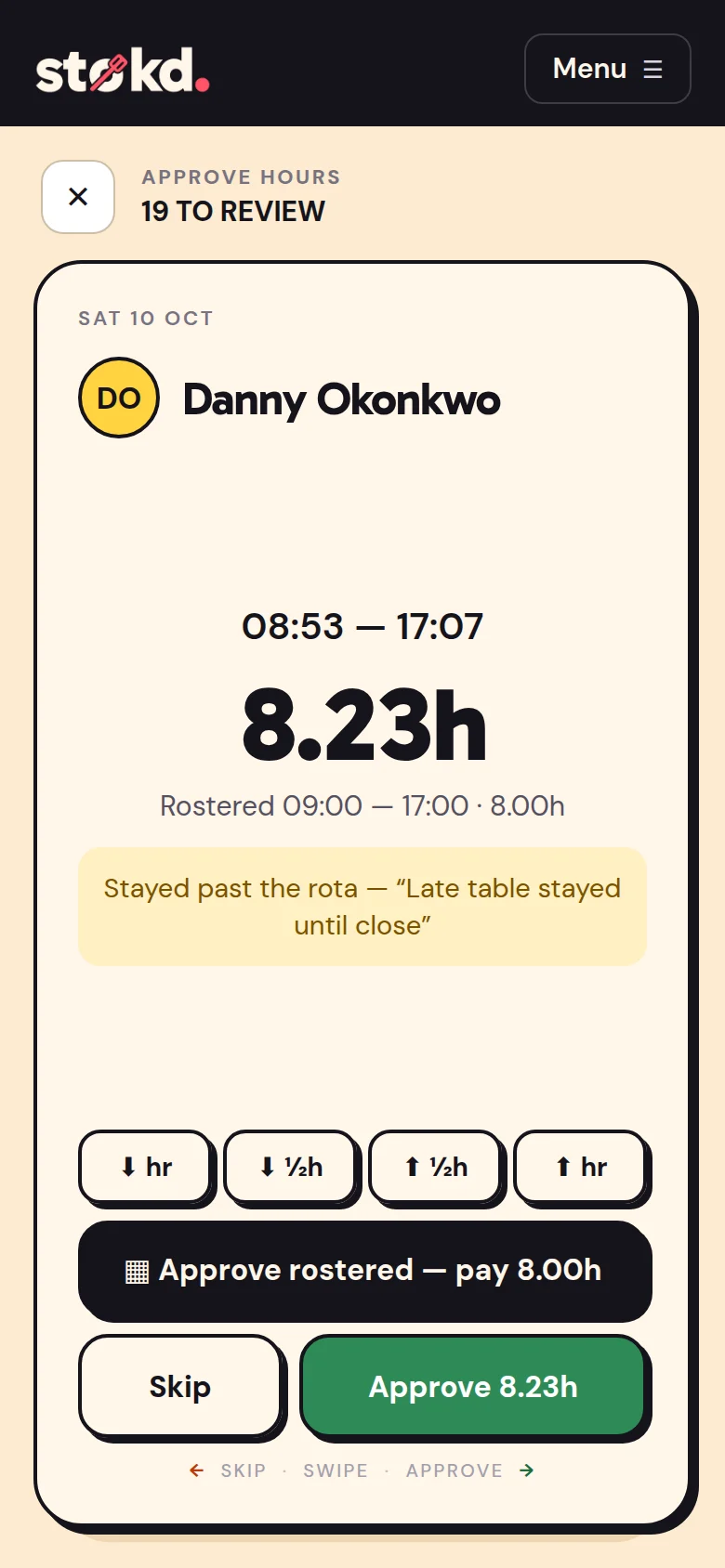
Trim a clock-out and the original is kept — the person sees “clock-out changed 14:15 → 14:00 · −15m” on their phone and on their hours screen, with the total it now stands at. Approve nineteen shifts in one sitting and each person gets one quiet notification, not nineteen. It settles the payday argument before it starts, because there’s nothing hidden to argue about.
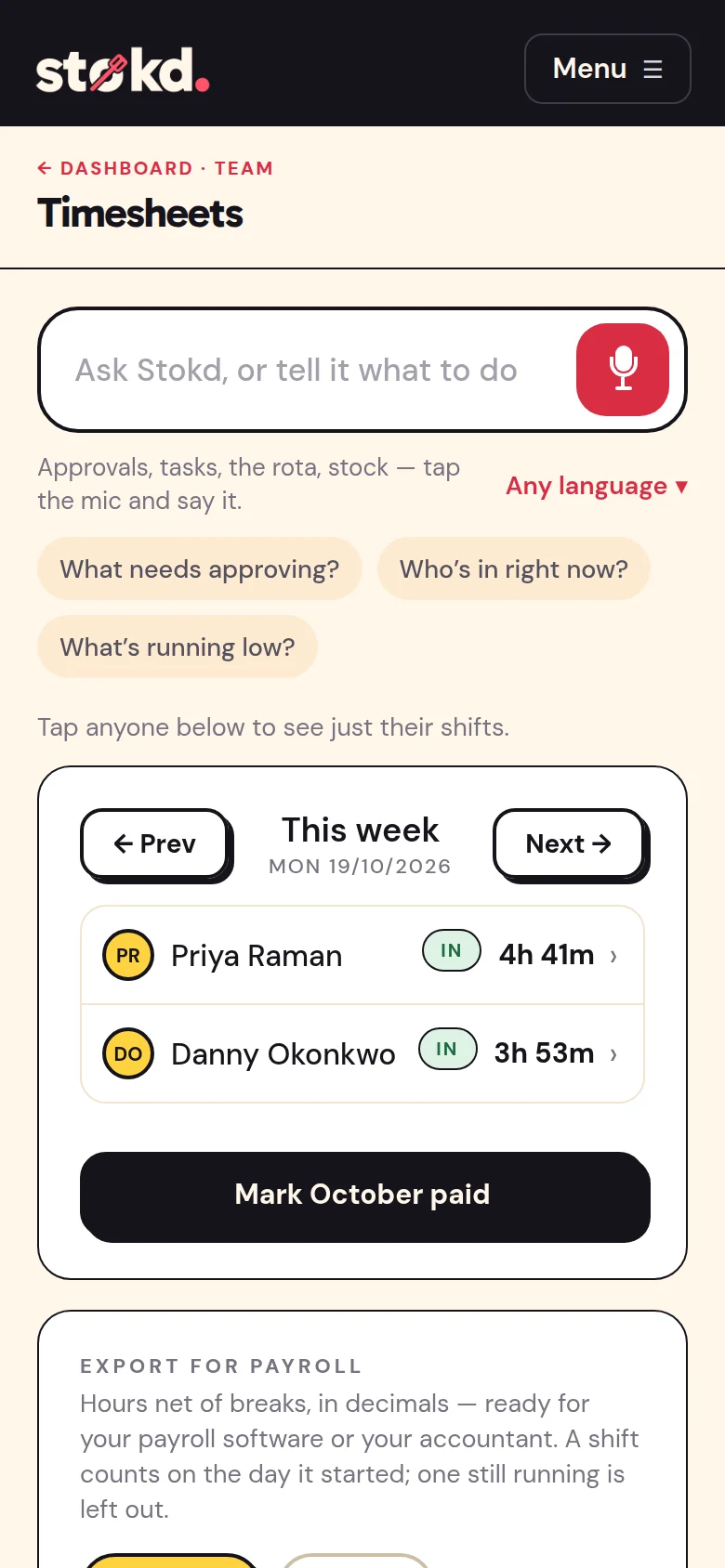
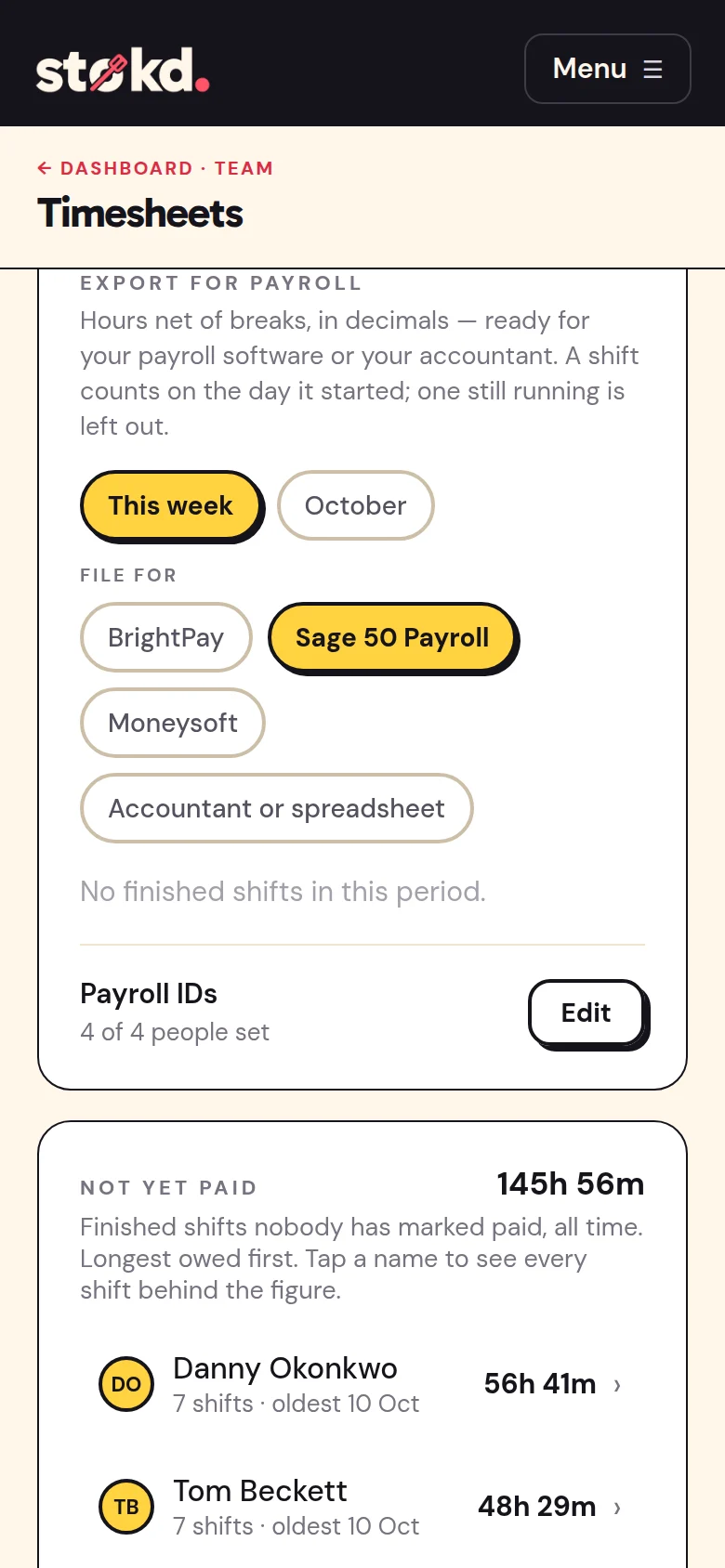
Timesheets total by person and by week, net of breaks. Mark a day, a week or a month paid — staff see PAID on their own screen. Then download the approved week or month as a file your payroll imports, or a spreadsheet for your accountant instead of a shoebox. And punctuality is tracked from the same scans, so “always late” stops being a feeling and becomes a number.
Pick your payroll once — BrightPay, Sage 50 Payroll or Moneysoft — and add each person’s works number. From then on the approved week or month downloads as a file your payroll imports: approved hours only, net of breaks, in the columns it reads. BrightPay’s file uses BrightPay’s own headings; Sage 50 and Moneysoft remember the columns after the first import.
No pay rates and no National Insurance numbers leave Stokd — your payroll already has them, and keeps doing the tax. Paying through an accountant? They get a spreadsheet of totals and every shift instead. Shifts plan, £25/month →
Say what the shop needs in your own words — two on every lunch, three on Friday and Saturday nights, Danny no more than 25 hours, nobody closes then opens. The AI drafts each person’s pattern from your opening hours, the hours they’ve actually worked and the days they tend to turn down. You see what changes for whom, and apply it person by person or all at once.
Put in the month’s tips and Stokd shares them out in proportion to the hours each person worked, straight from the clock — kitchen and front of house alike. Everyone sees their own share, and how it was worked out is written down for them to read.
Monday morning on your dashboard: hours worked against the rota, who was late and how often, any no-shows, what ran low, tasks done and skipped — then up to three things worth doing about it. The numbers are your own, checked; the AI only writes them up.
