The Stokd app

Stokd is on the App Store.

One app for the whole team. Owners and managers run the restaurant from it; staff clock in, see their week, tick off their jobs and ask Stokd out loud. Free to download, on iPhone and iPad.

Download on the App Store Free · iPhone and iPad · iOS 15.1 or later
QR code that opens Stokd on the App Store
On a computer?

Point your iPhone camera here and it opens the App Store.

For owners and managers

The restaurant, in your pocket.

See what got done today and what didn’t, approve the hours, build next week’s rota, send the order and book the delivery in — or just ask Stokd to do it. Everything you set up on the website is already in the app: same account, same shop.
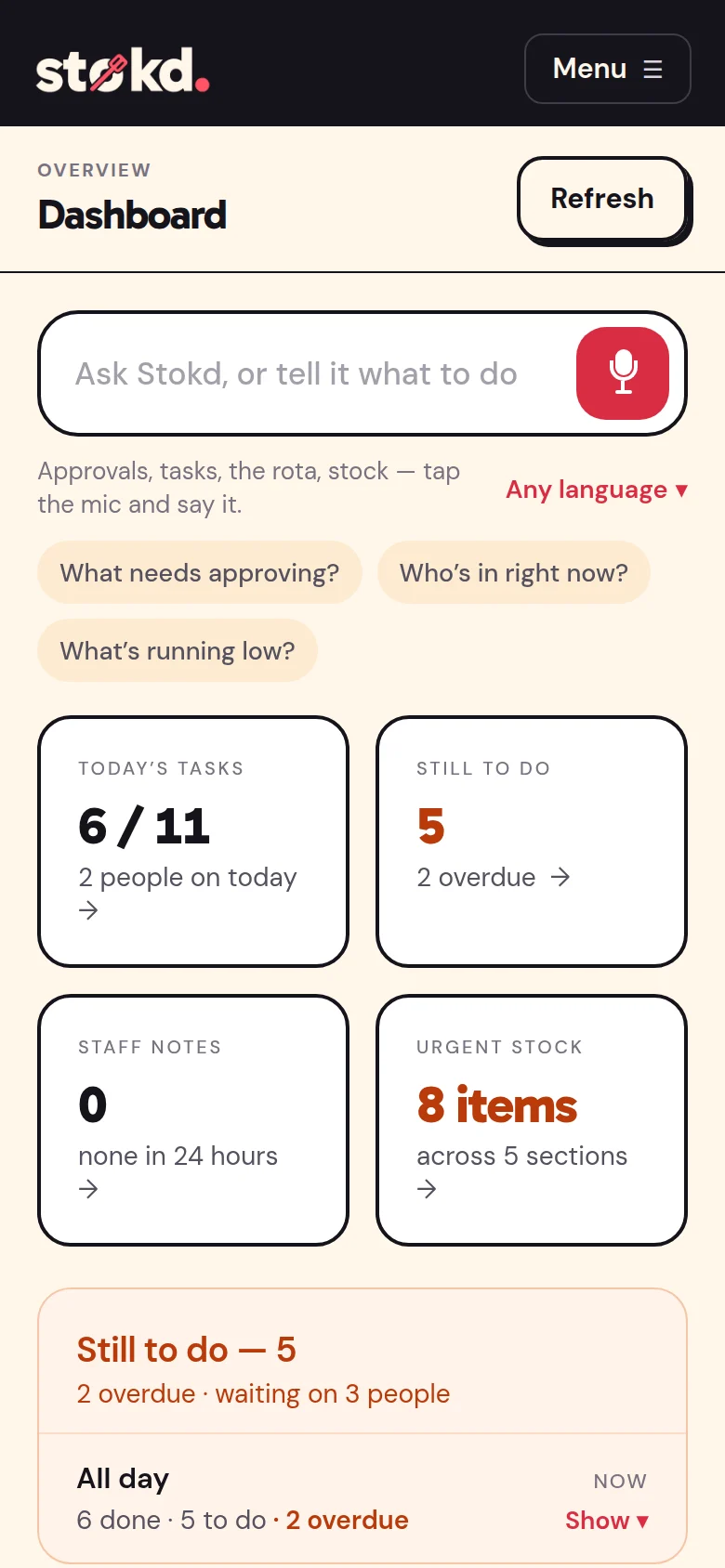
The owner dashboard: the Ask Stokd bar with its mic, 6 of 11 tasks done and 8 urgent stock items
For staff

Everything for the shift, on their own phone.

Clock in at the door, see and confirm the week, tick off the opening and closing jobs, count stock out loud, scan a delivery in and look up any recipe. Tap the mic and ask Stokd in their own language — it answers from your recipes, rota and stock.
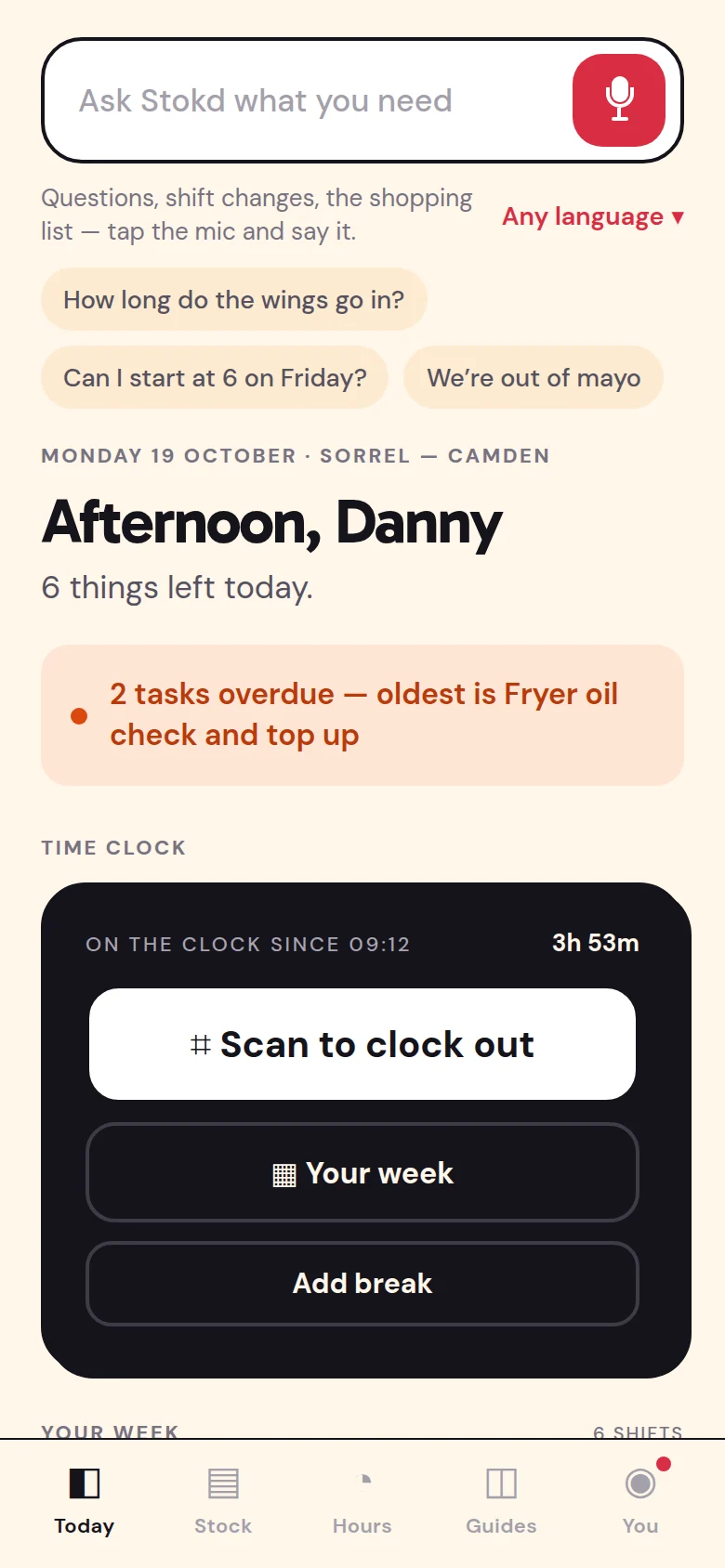
The staff Today screen: on the clock since 09:12, with two tasks overdue
Getting in

Three taps, then you’re in.

  1. Get Stokd from the App Store. It’s free.
  2. Owners and managers: tap “I own a restaurant or shop” to start your 30 days free, or “Sign in” with the account you already use on the website.
  3. Staff: tap “I have an invite code” and type the code your manager sent. Your week and today’s jobs are already waiting.
Not on an iPhone?

Stokd works on any phone.

On Android, open www.shop-stokd.com in Chrome, sign in, then choose Add to Home screen from the menu. It opens full screen, like an app, and works on a laptop or tablet too.

Open Stokd in the browser →

New to Stokd? Start tonight.

Thirty days of everything, no card. Set it up on the website or straight from the app.
Start free — 30 days
Download on the App StoreFree on iPhone and iPad
No card · unlimited staff · cancel any time