
Every screen was made for a phone held in one hand during service — big targets, one question at a time, nothing to learn. If someone can use a phone, they can use Stokd on their first shift.
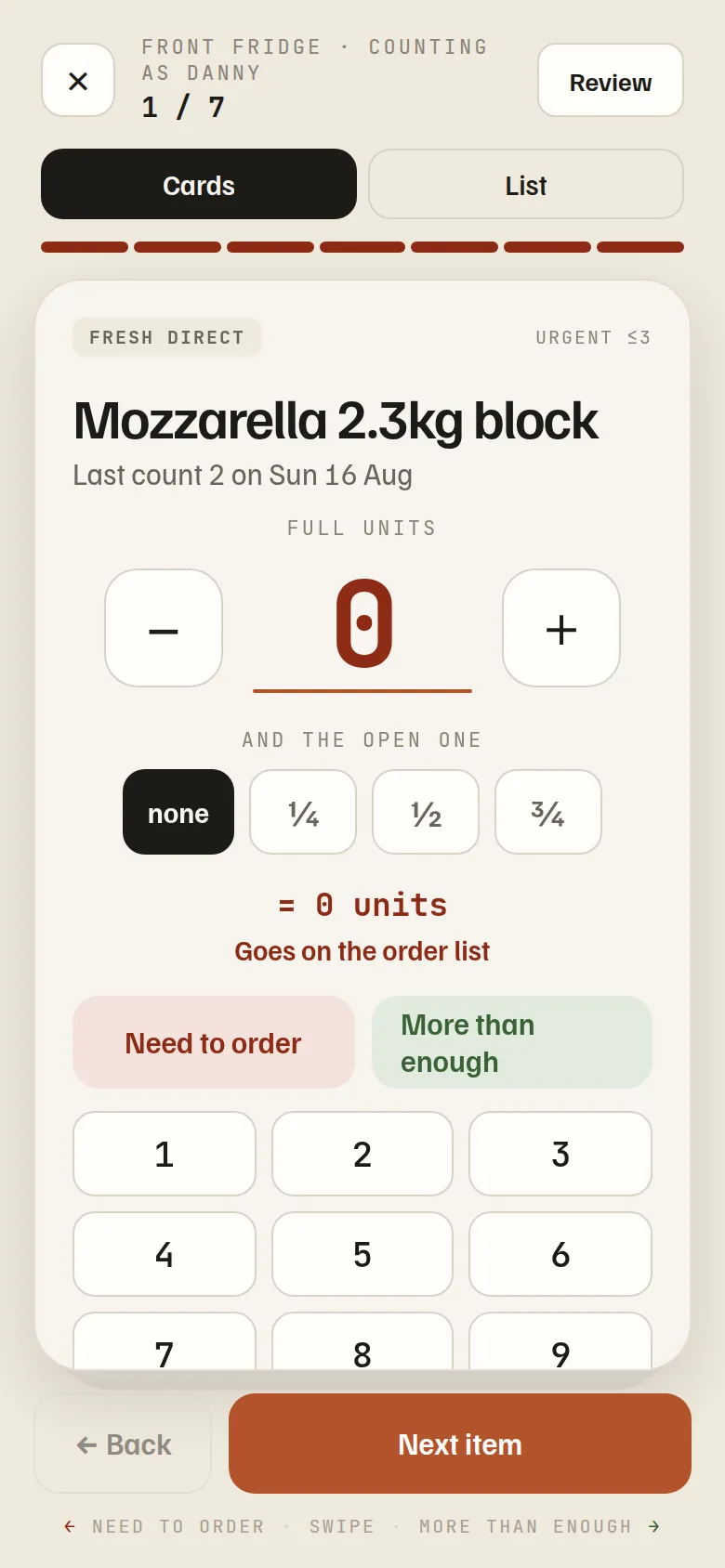
Counting deals one item at a time: plenty, or running low? A number only when it matters. Tasks are a deck to swipe or a list to tick — whichever each person prefers, remembered per phone. Nobody reads a manual, because there’s nothing a manual would need to say.
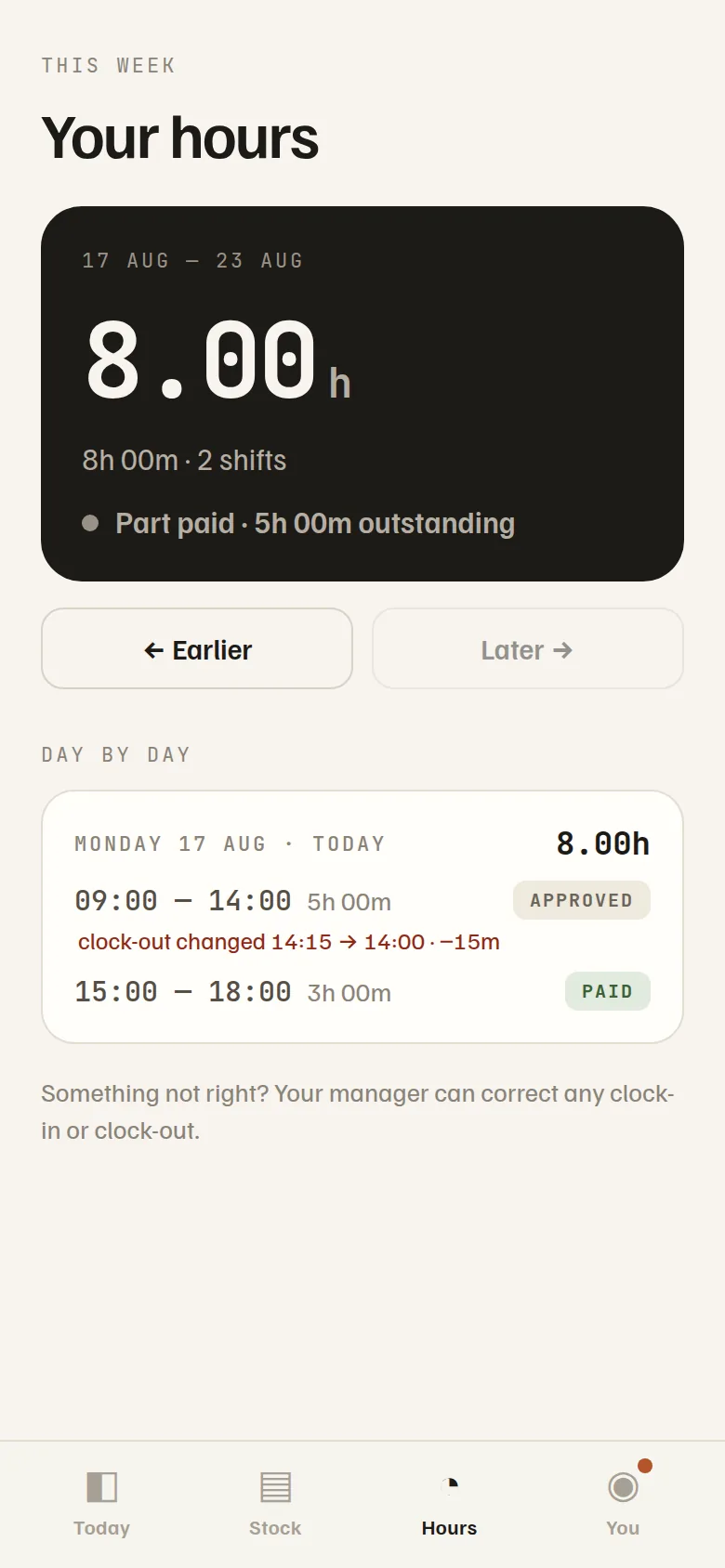
Every shift, every break, every approval — on their own screen, not in a spreadsheet they’ve never seen. When the week is signed off they’re told. If a time is ever corrected, they see the before and the after, to the minute. Working late asks for the reason at the door, so overtime arrives explained instead of contested. Trust isn’t a promise here; it’s just visibility.
You invite them with a link; Stokd goes on the home screen like any app — iPhone or Android, new or old. Notifications land where they already look. Nothing to buy, nothing to configure, no shared tablet gathering grease by the pass.
Ten tasks added is one message, not ten buzzes. A shift reminder before it starts, a nudge only when something’s actually overdue, and good news too — “Hours approved, 8h, ready for payroll.” An app that never cries wolf is one people don’t mute.
Eight minutes early. The clock starts; the rota already knew he was coming.
Ovens, temps, hand-wash stations. Two minutes, all recorded with his name.
Taps Start on the prep board so nobody puts a second pan on. Marks it prepped at ten.
Front fridge in four minutes — mostly green taps. Sunday, his phone says the week’s approved.