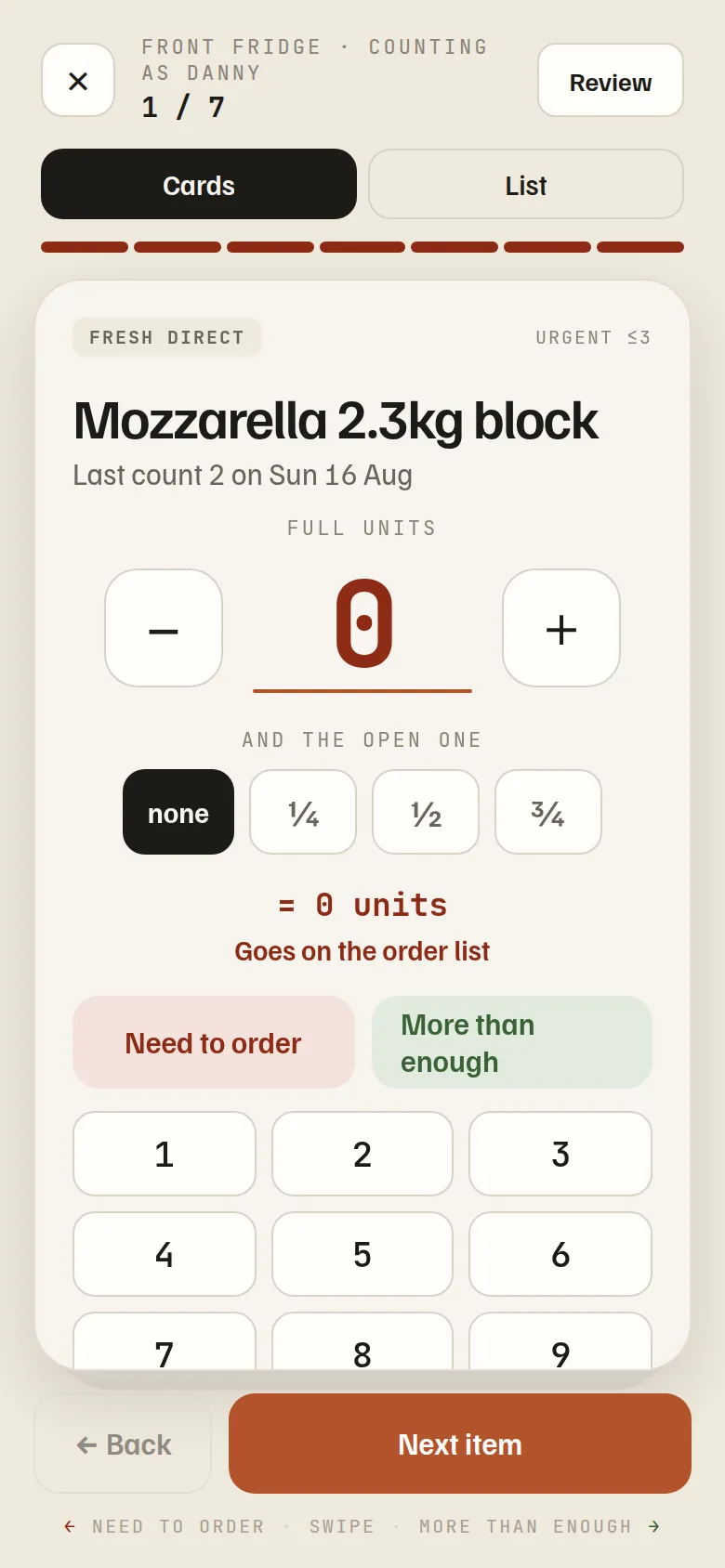
Set up your shelves once — Front Fridge, Dry Store, Deep Freezer. From then on, counting is dealing through a deck of cards, and everything that’s short files itself onto the right list.
Plenty on hand? Green. Running low? Red — it goes straight on the order list. Only things worth counting get the keypad. Cards for heads-down counting, a list view for shelves you can see in one look — and the review screen says “not counted” honestly instead of pretending a blank is a zero.
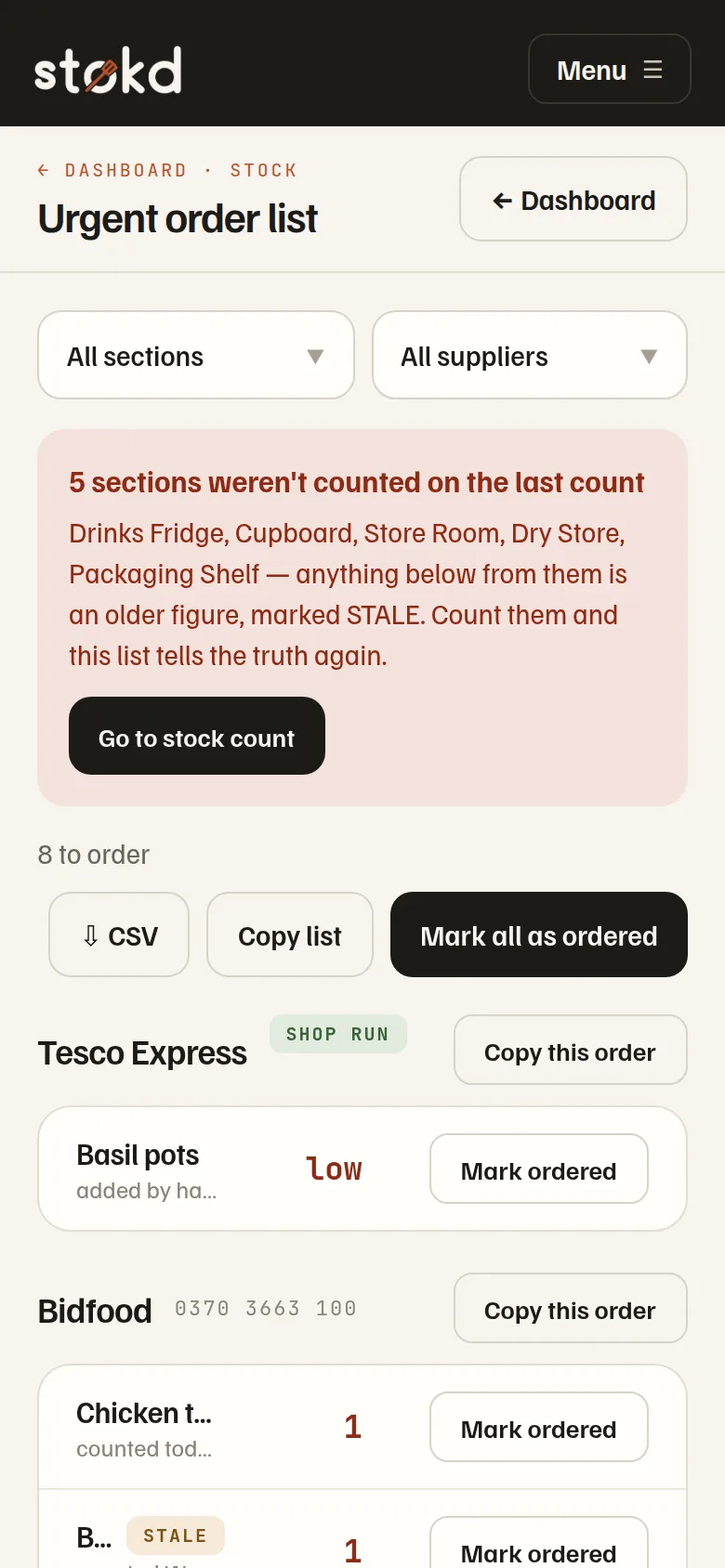
Everything at or under its urgent level lands here on its own, grouped by supplier, emptiest first. Mark it ordered and it leaves. Spot something the count missed? Type three letters and add it by hand — it files under its supplier like everything else. A figure from a missed count is flagged stale, never passed off as fresh.
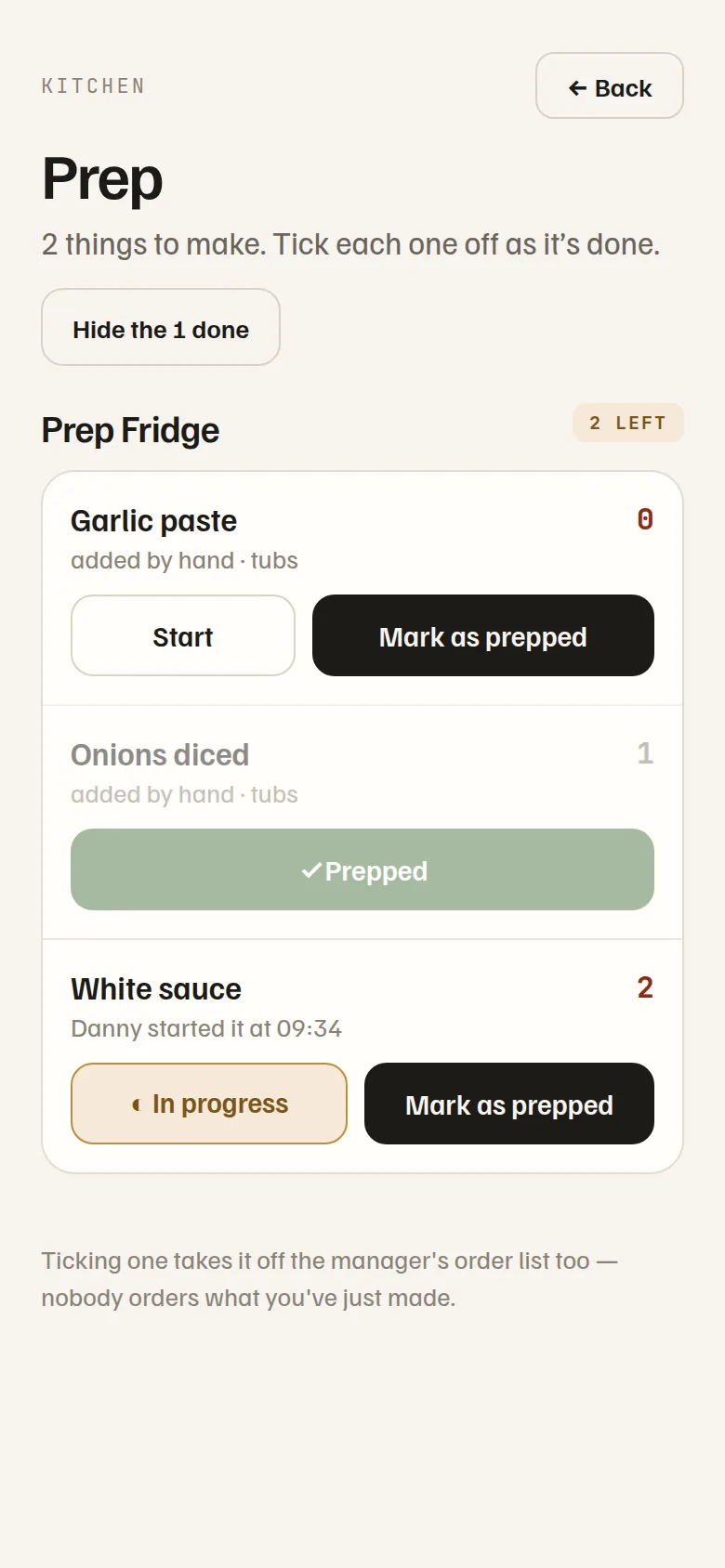
Tick “we make this” on cooked rice or the white sauce, and when it runs short it goes to the kitchen’s prep board instead of the order list. Three states, because a kitchen has three: to make, in progress, made. “Danny started it at 09:34” is what stops a second pan of rice going on. Each shift gets a fresh board — the morning’s ticks don’t answer for the evening.
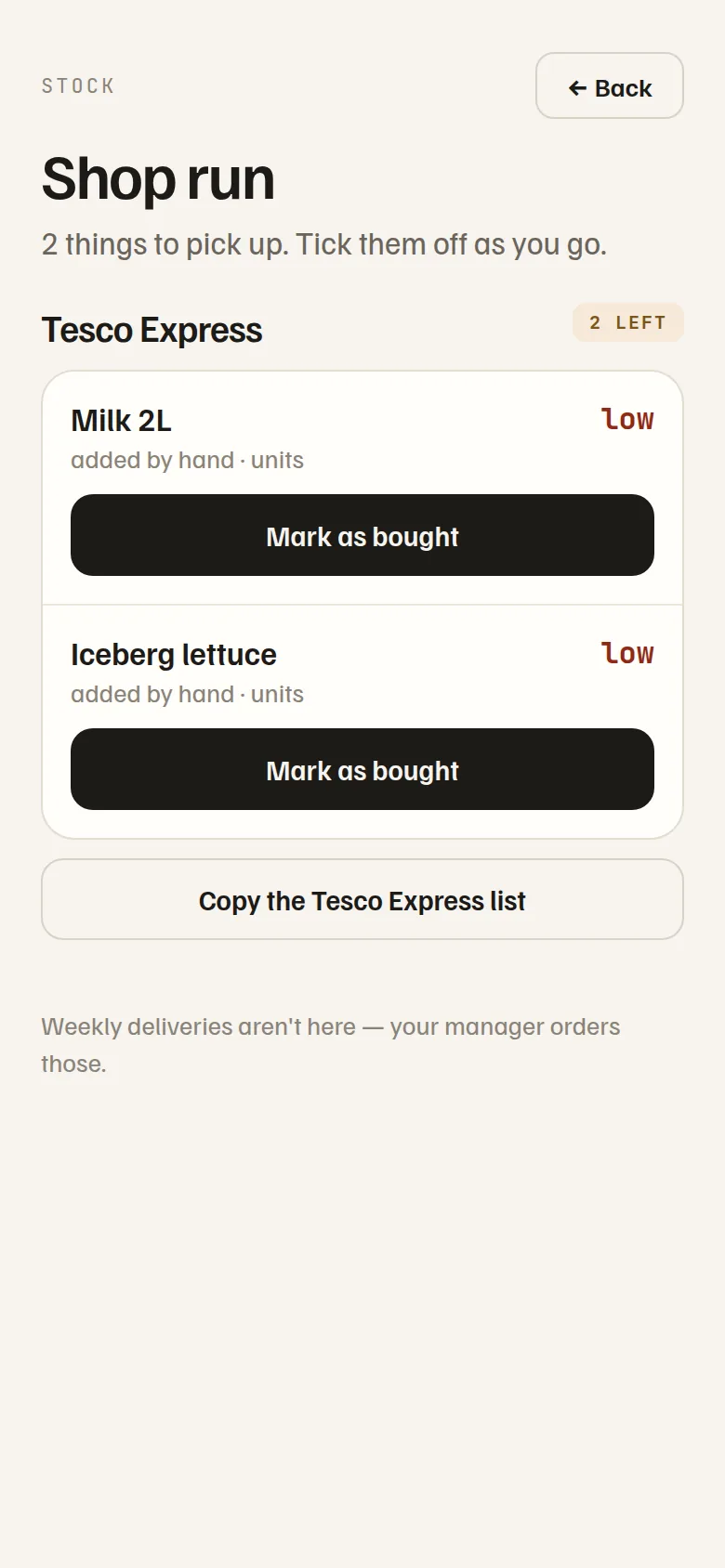
Mark a supplier as a shop run and its short items build a staff-side pickup list instead of joining your order pile. Whoever’s passing grabs it, ticks it bought, and it’s gone from every screen. One tap shares the list as a text for whoever’s doing the run.
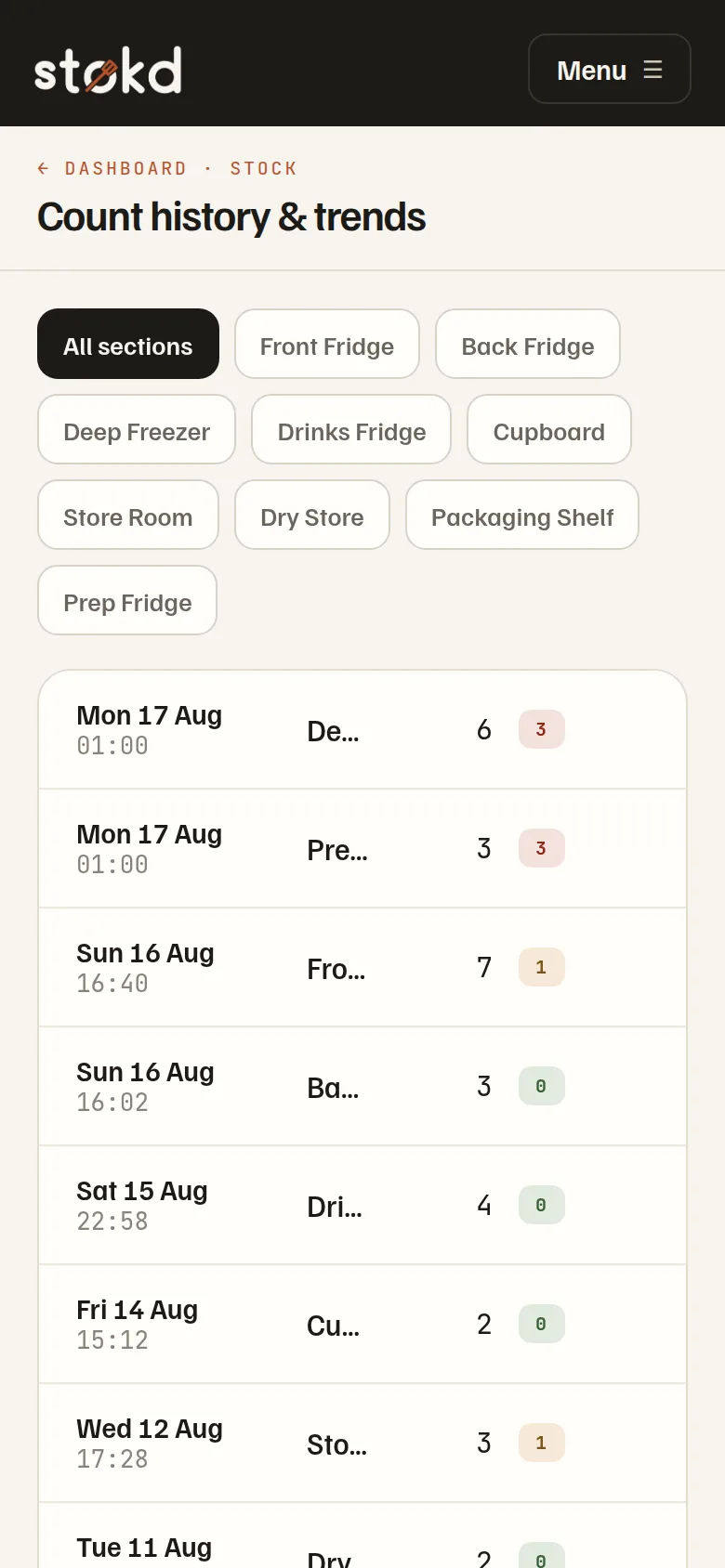
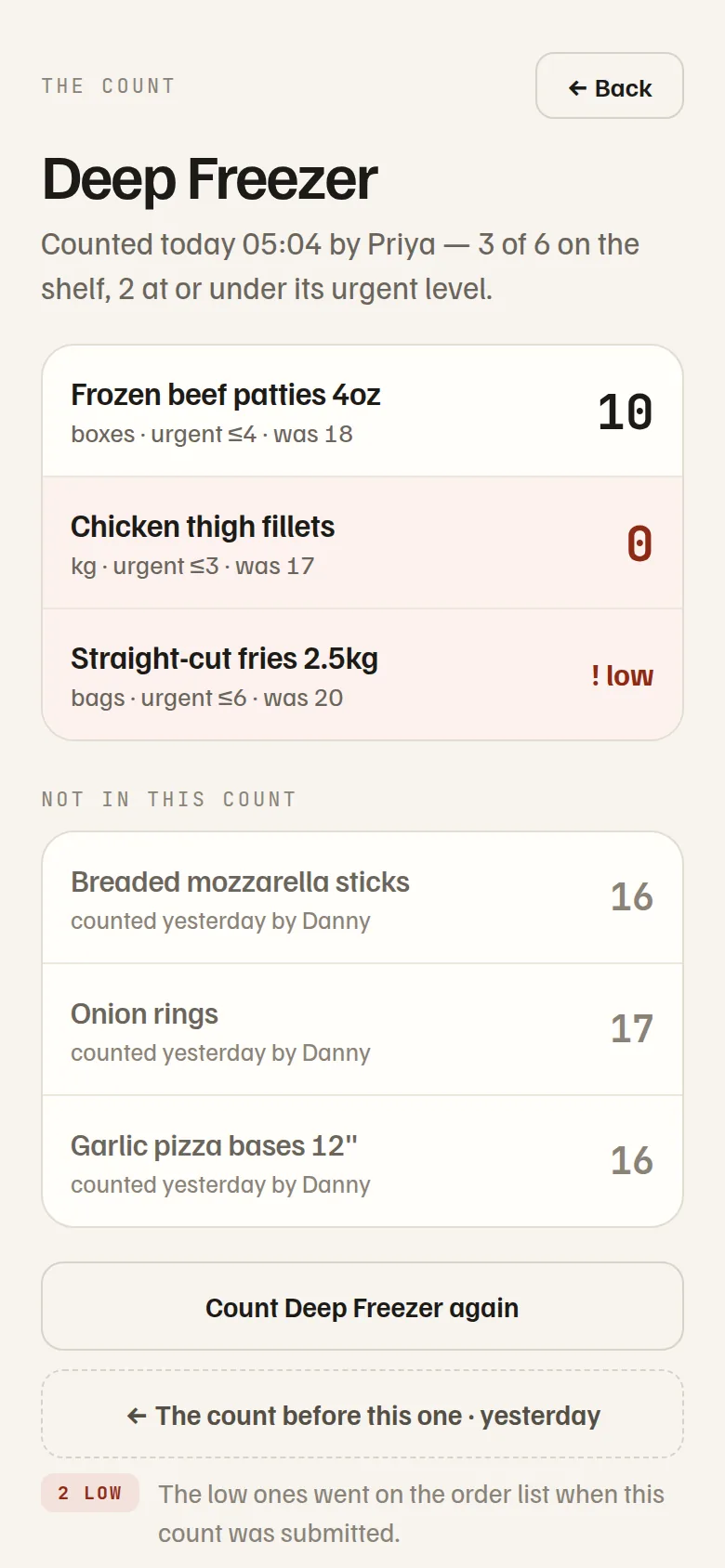
“11 items · counted 05:04 by Vasim” — tap it and see the whole shelf: what this count found, what each item needs to stay above, and what it was last time. What the count didn’t cover is listed too, with the night it actually came from. Walk back a count at a time, spot your fastest movers, and watch a single item’s level across weeks.
No extra admin — the history you build by counting becomes usage rates and low-stock warnings on their own.