
Fridge temps, fryer oil, the till float, lock-up — the jobs that keep you legal and open. Written once, dealt out every day, chased automatically, and recorded with a name against every tick.
“15 minutes after open” and “30 before close” follow your actual hours — change the hours and every task moves with them. A split day gets a deck per shift, so the evening crew opens with their own list, not the morning’s leftovers. Staff swipe cards or tick a list; ten jobs due at 10:15 arrive as one screen, not ten nags.
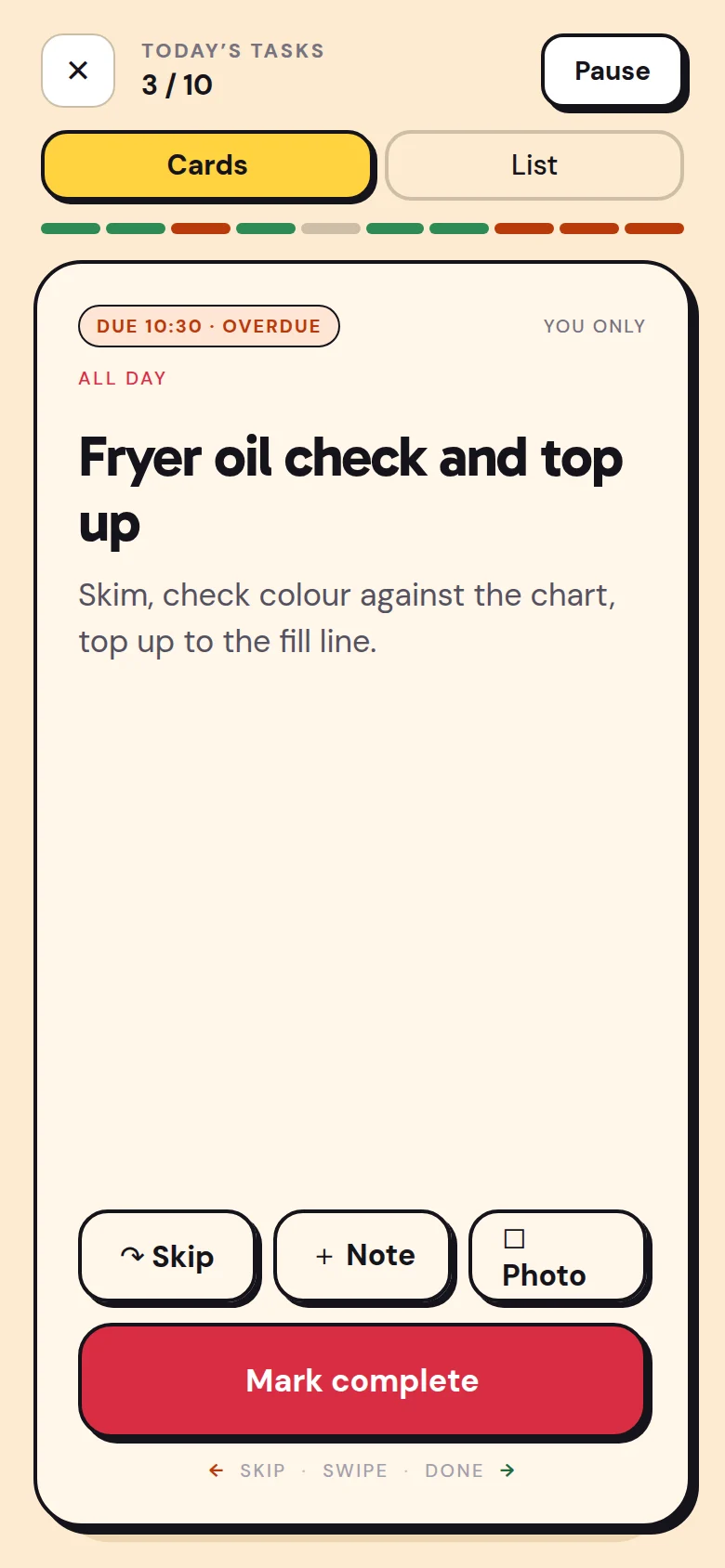
Tell Stokd what needs doing, when and by whom, and it writes the task — timed from opening or closing, with a reading to log if there is one. When something gets in the way, your crew tell it, and you hear why.
Owner / managerTasks
Every Friday, half an hour after we close, Amir and Kasia both deep-clean the fryers.
A Friday task for Amir and Kasia — each of them — 30 minutes after closing.
StaffShift notes
Tell the manager the probe’s broken, so I couldn’t do the fridge temps.
I’ll send this to your manager.
A task can be skipped — kitchens have real days — but never silently: the reason is typed at the moment, and you see it. Overdue nudges the person, then escalates to your phone. Notifications are batched on purpose: add ten tasks in one go and staff get one buzz saying so, because ten buzzes teaches people to ignore all of them.
Mara has been notified. Clear it or skip it with a reason.
Danny: “Raining, will do at 12.”
Ovens on, Sanitise surfaces and 1 more — due 10:15 today.
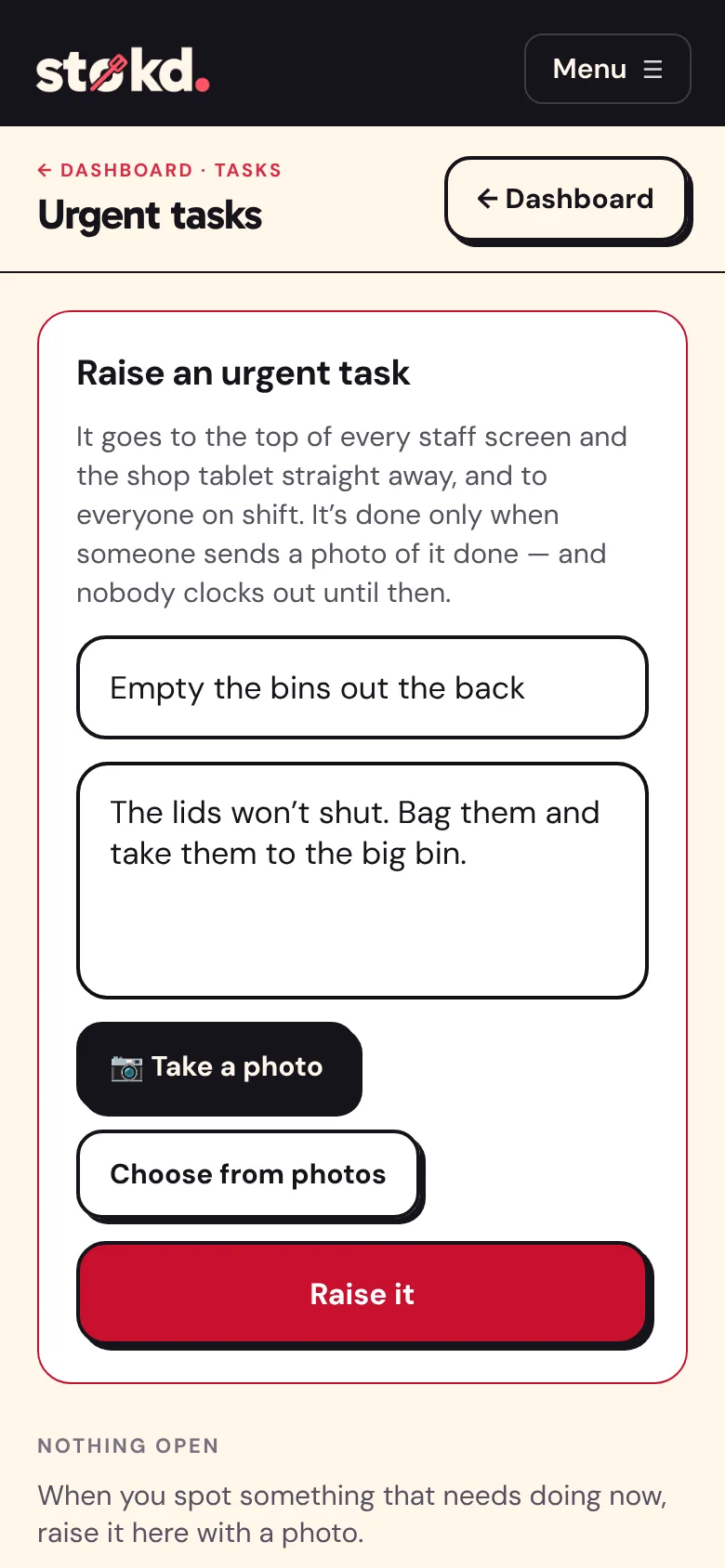
The bins are overflowing, the walk-in door won’t shut, there’s a spill by the till. Raise an urgent task with up to four photos, from the dashboard or wherever you are. It goes to the top of every staff phone and the shop tablet in red, and to everyone on shift straight away.
It’s finished only with a photo of it done, and you get that photo. Until every urgent task is done, nobody at the shop clocks out. Leave with your own jobs still undone, and Stokd asks you to confirm what you ticked was really done. Your manager sees that when they approve the hours.
Every tick keeps who, when, on time or late, and any note — “walk-in reading 3.8°C, door seal looks worn” is in the record, not on a Post-it. When the EHO asks how you monitor temperatures, the answer is a screen, not a ring binder. Set a task once and it repeats on its days until you say otherwise.
